BarFree
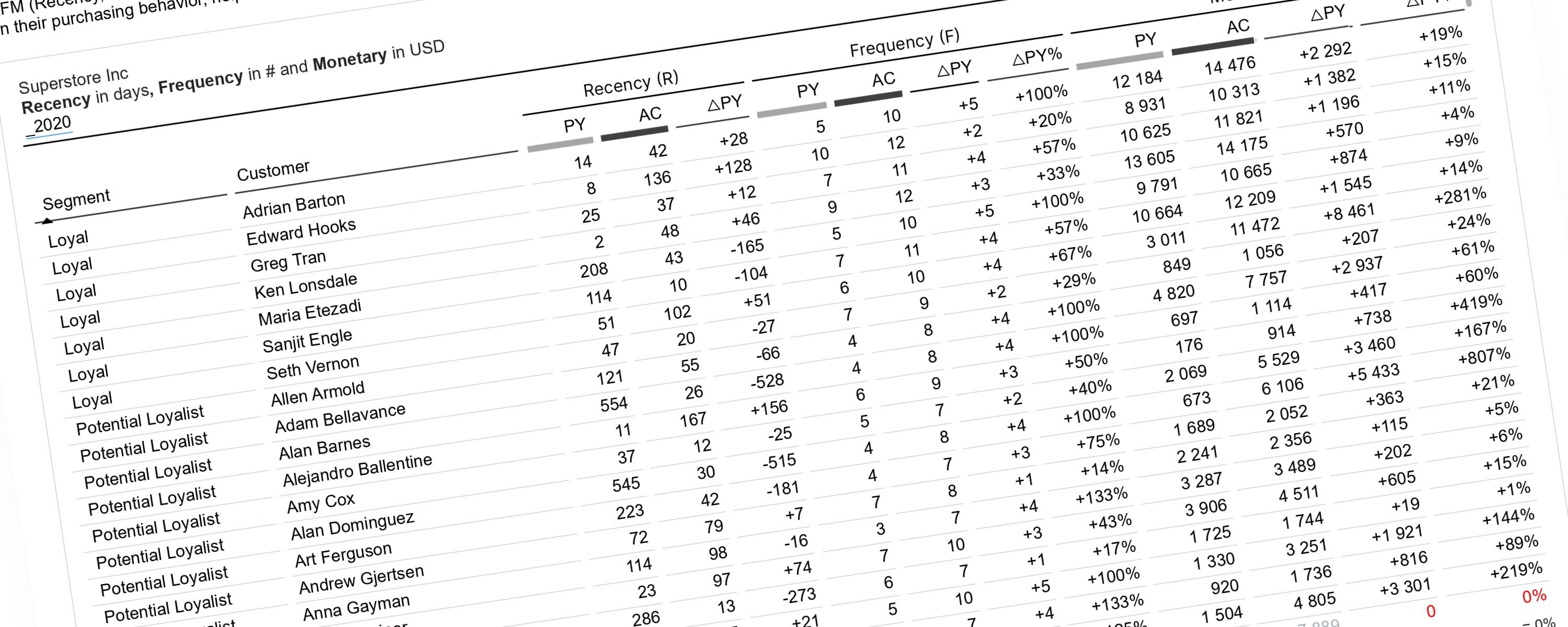
Dynamic RFM Customer Segmentation
This documentation explains how to perform RFM analysis in Power BI using a dynamic, time-aware approach.
18 January 202650 min read
Documented Power BI techniques — the model change, the DAX, and the exact visual settings. Most are free to read; the rest come with the model files for members.
BarFree
This documentation explains how to perform RFM analysis in Power BI using a dynamic, time-aware approach.
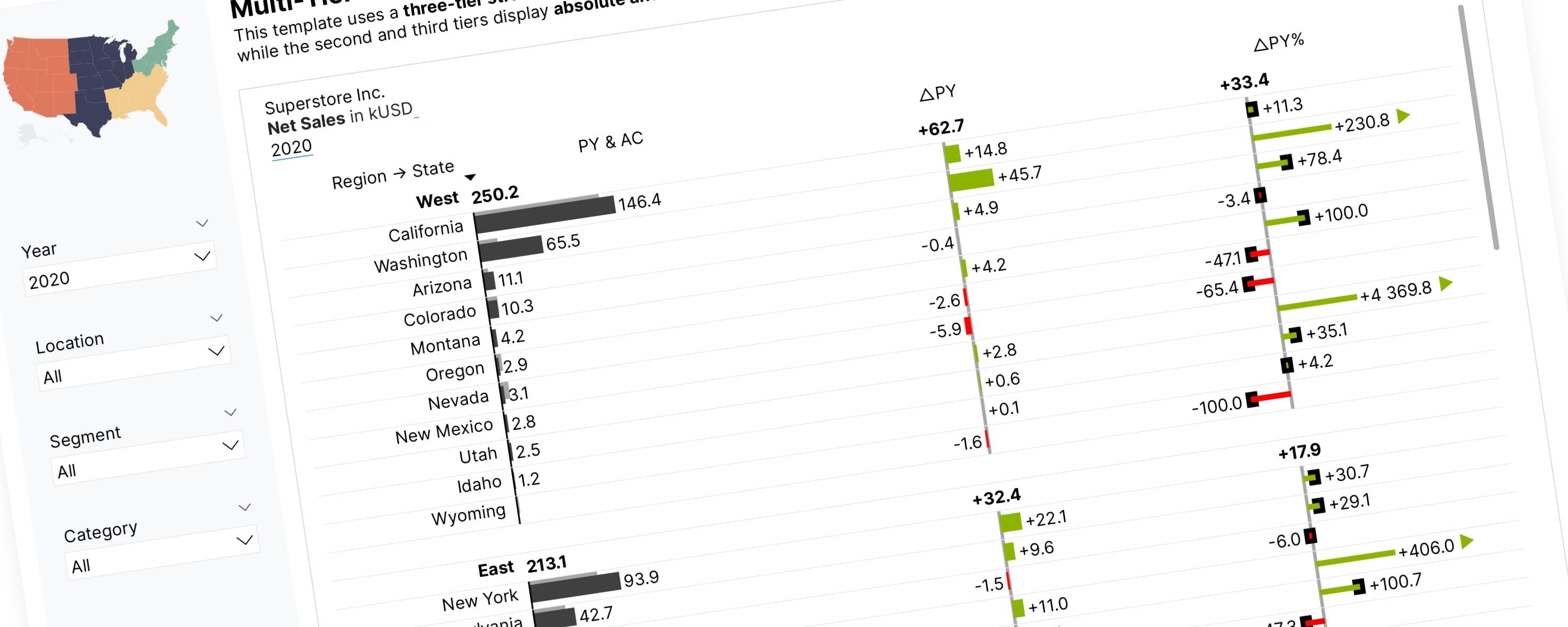
BarFree
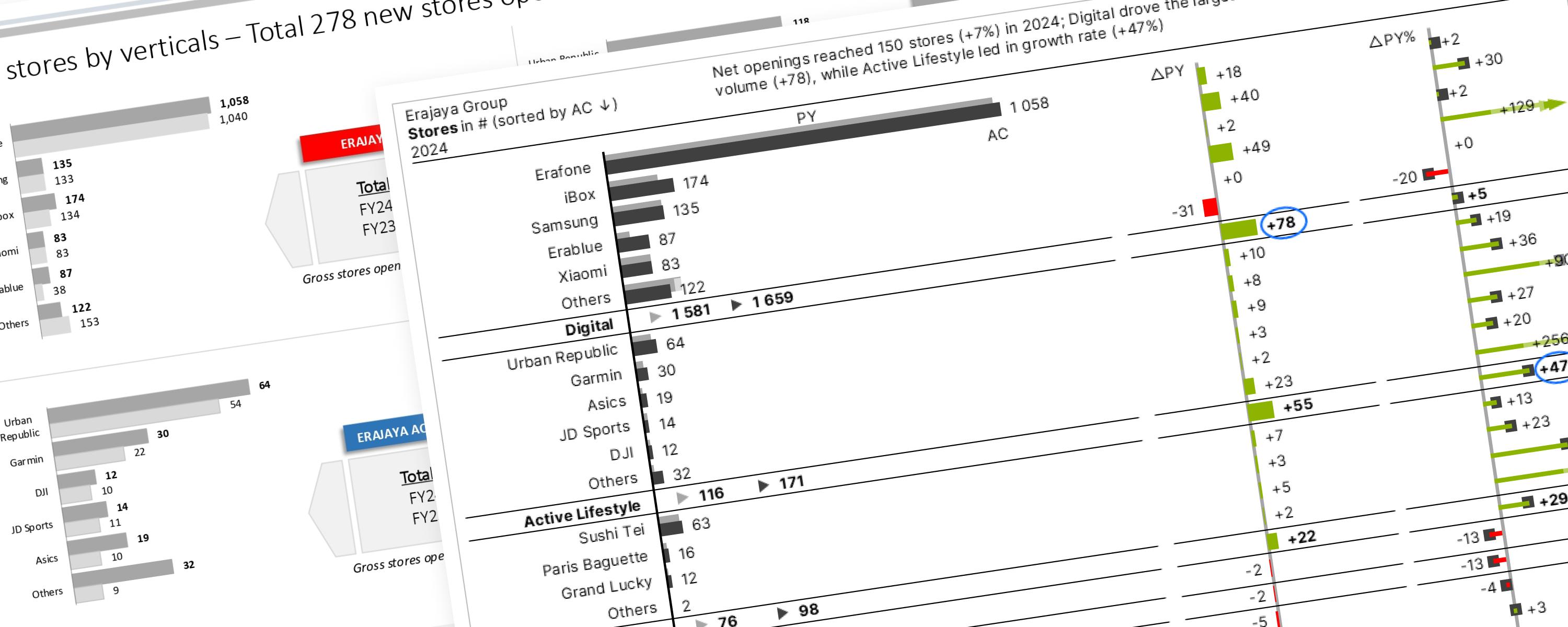
This section focuses on using the core IBCS principles to redesign (makeover) various public company reports.
BarFree
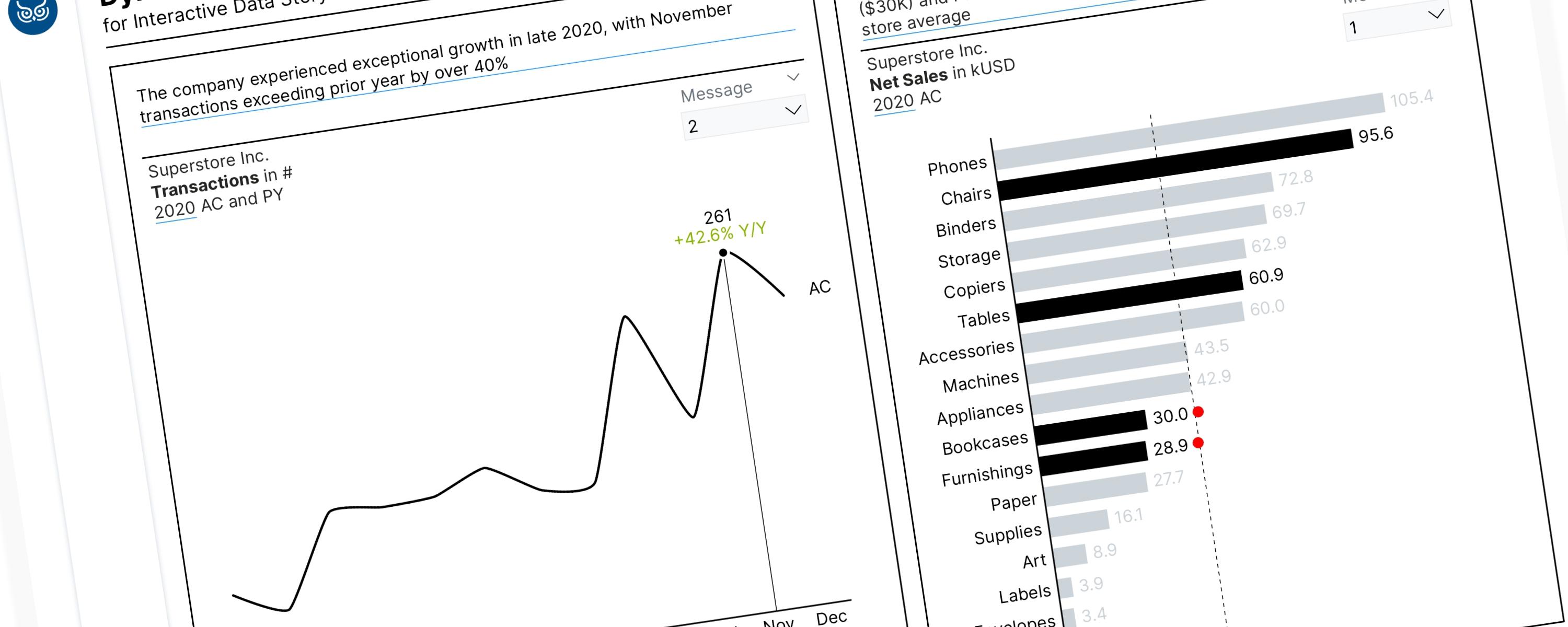
Field parameters are a powerful feature in Power BI. When combined with the SWITCH() function, these tools allow us to tell a compelling data story by dynamically highlighting…
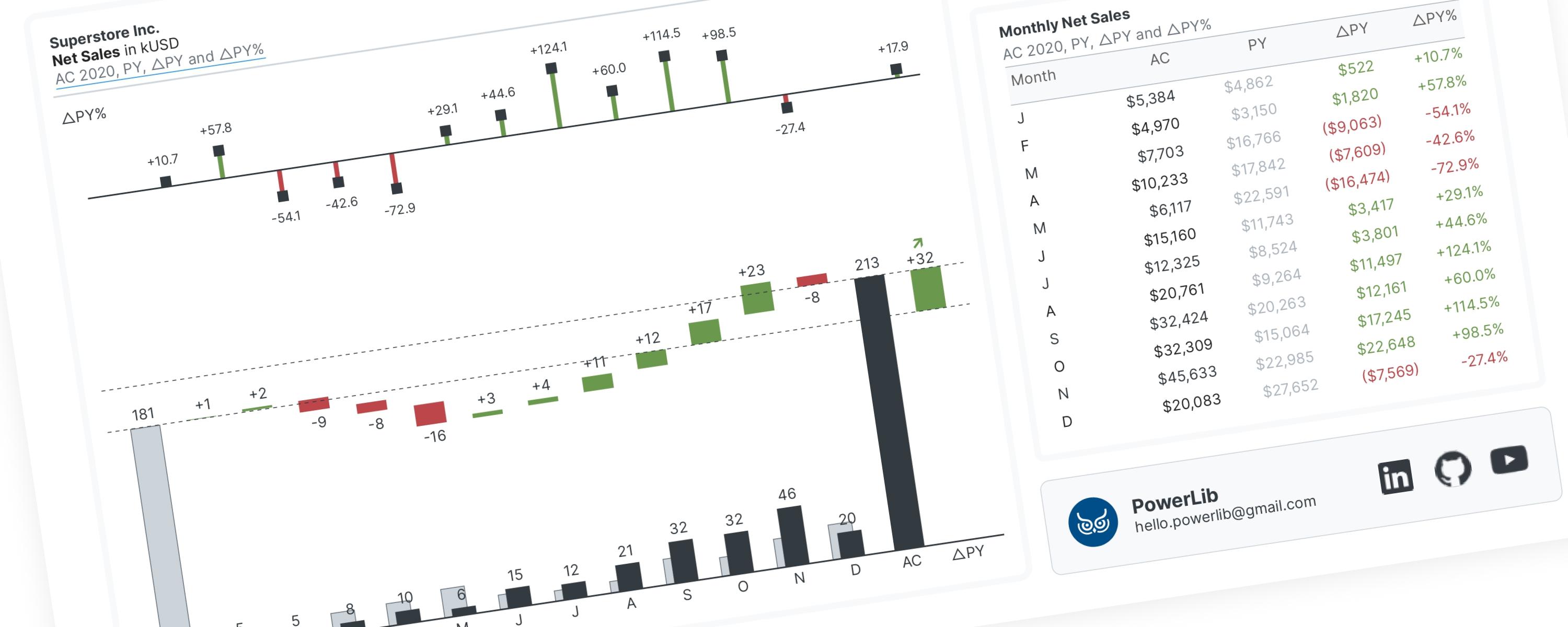
WaterfallFree
A waterfall chart is a special type of bar chart that shows you the story behind how a number changed from one point to another.
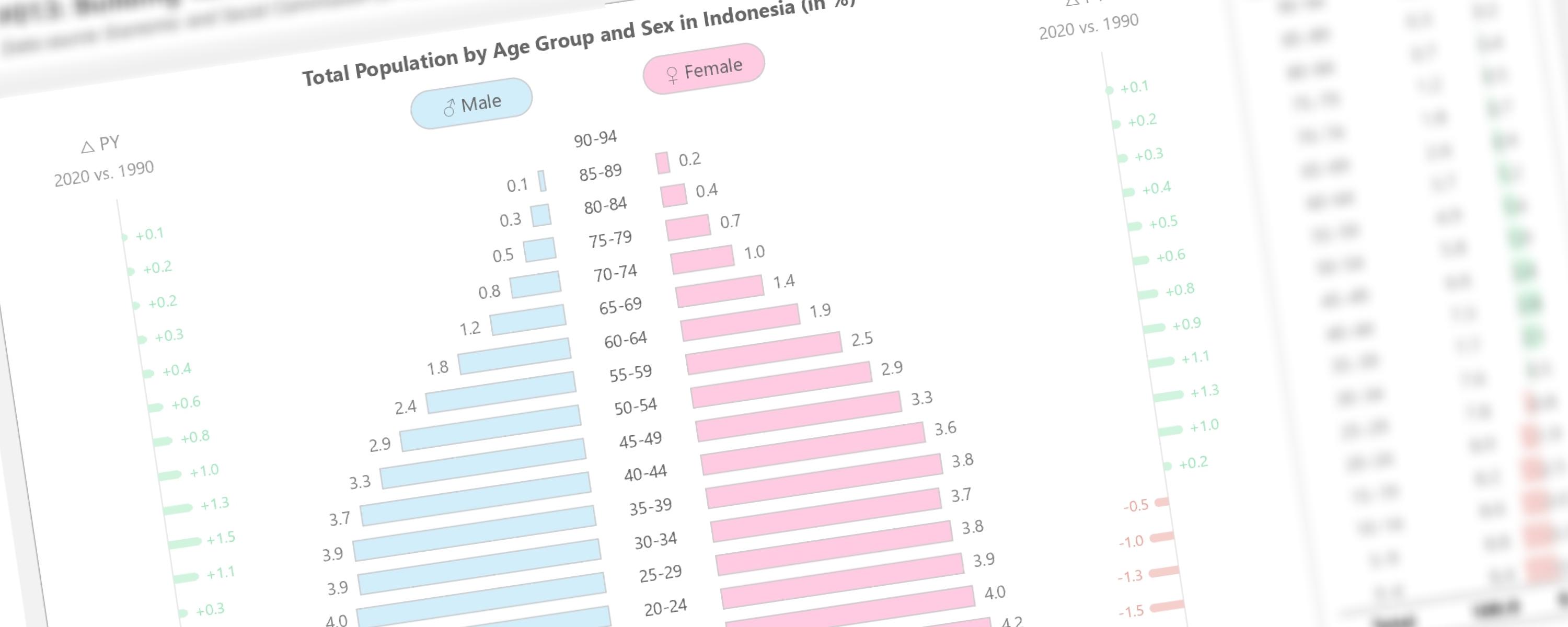
BarFree
This documentation will guide you how to create tornado chart, also known as tornado diagram or butterfly chart, in Power BI using entirely native visuals.
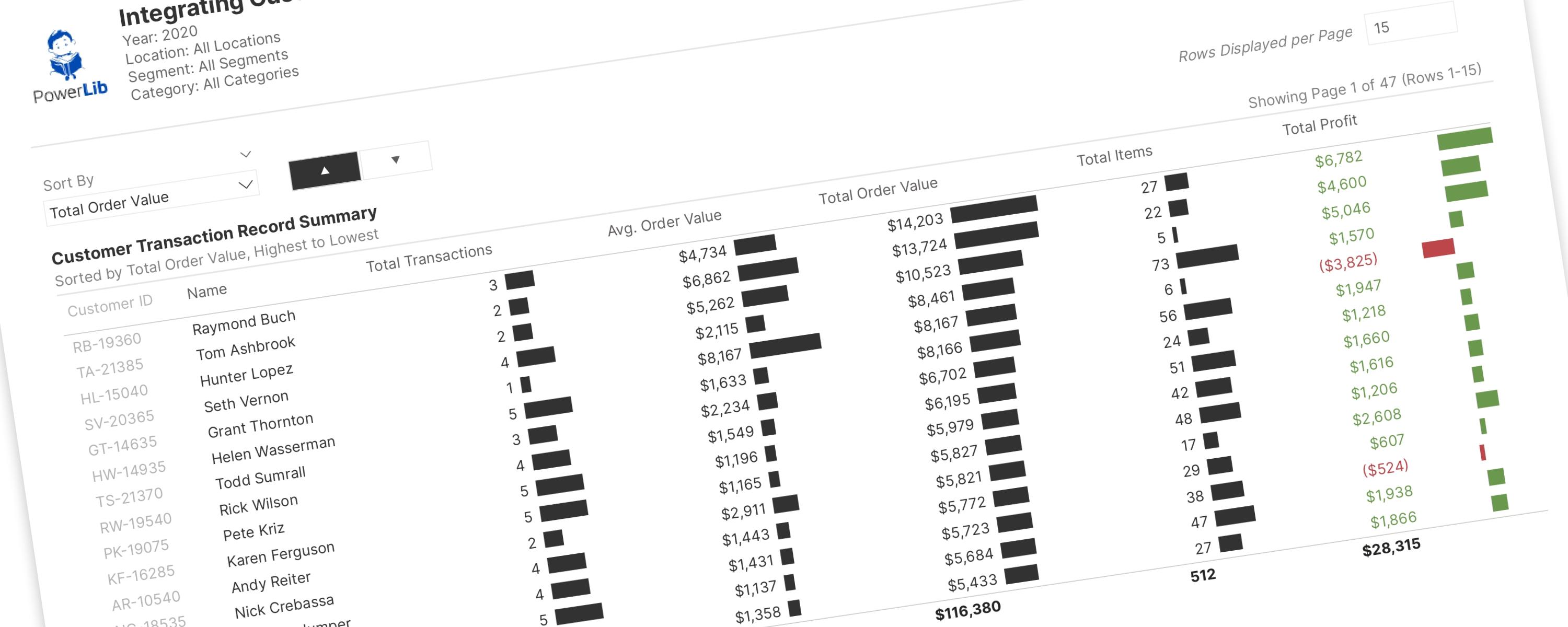
BarFree
This documentation details advanced pagination techniques, extending my previous tutorial and documentation.
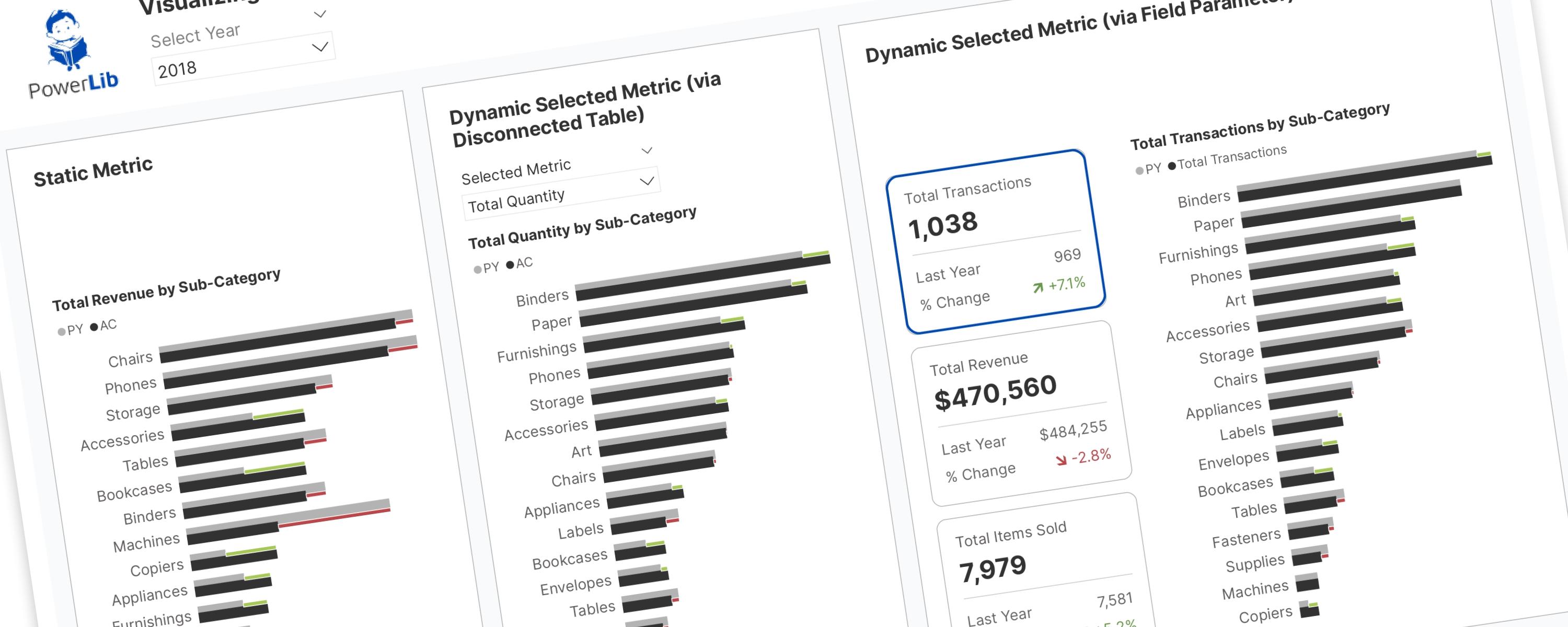
BarFree
RETURN SWITCH( SelectedMetric, "Total Transactions", "Total Transactions by Sub-Category", "Total Revenue", "Total Revenue by Sub-Category", "Total Quantity", "Total Quantity by…
Donut/PieFree
RETURN SWITCH( SelectedMetricOrder, -- Transaction Metrics 0, "Total Transactions", -- Revenue Metrics 1, "Total Revenue",