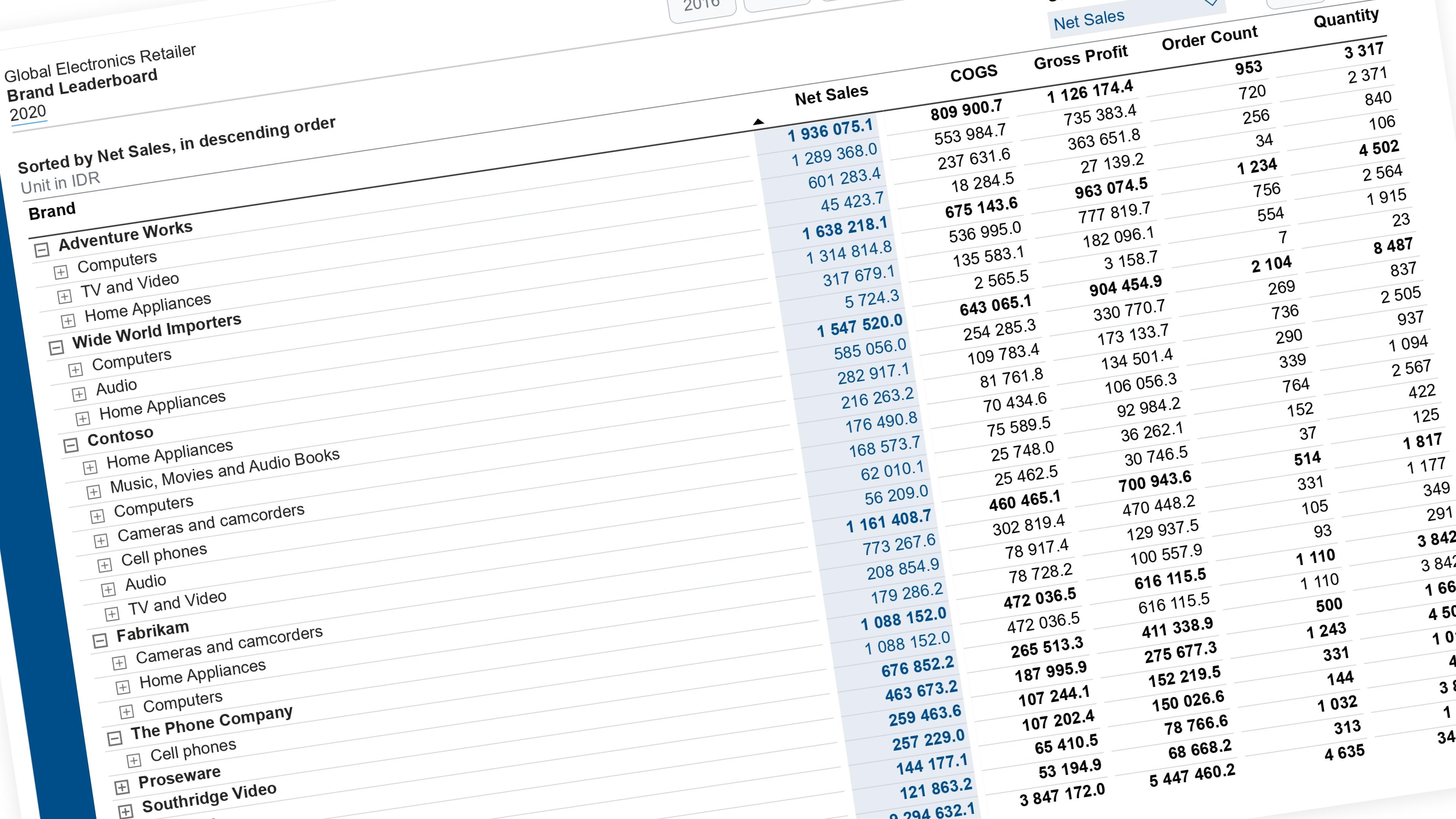
Let the reader expand and collapse individual branches of a matrix — not just one global depth. Builds on top of the flat layout table from “One Slicer, All Levels” — read that guide first if you haven’t built the Layout table yet.
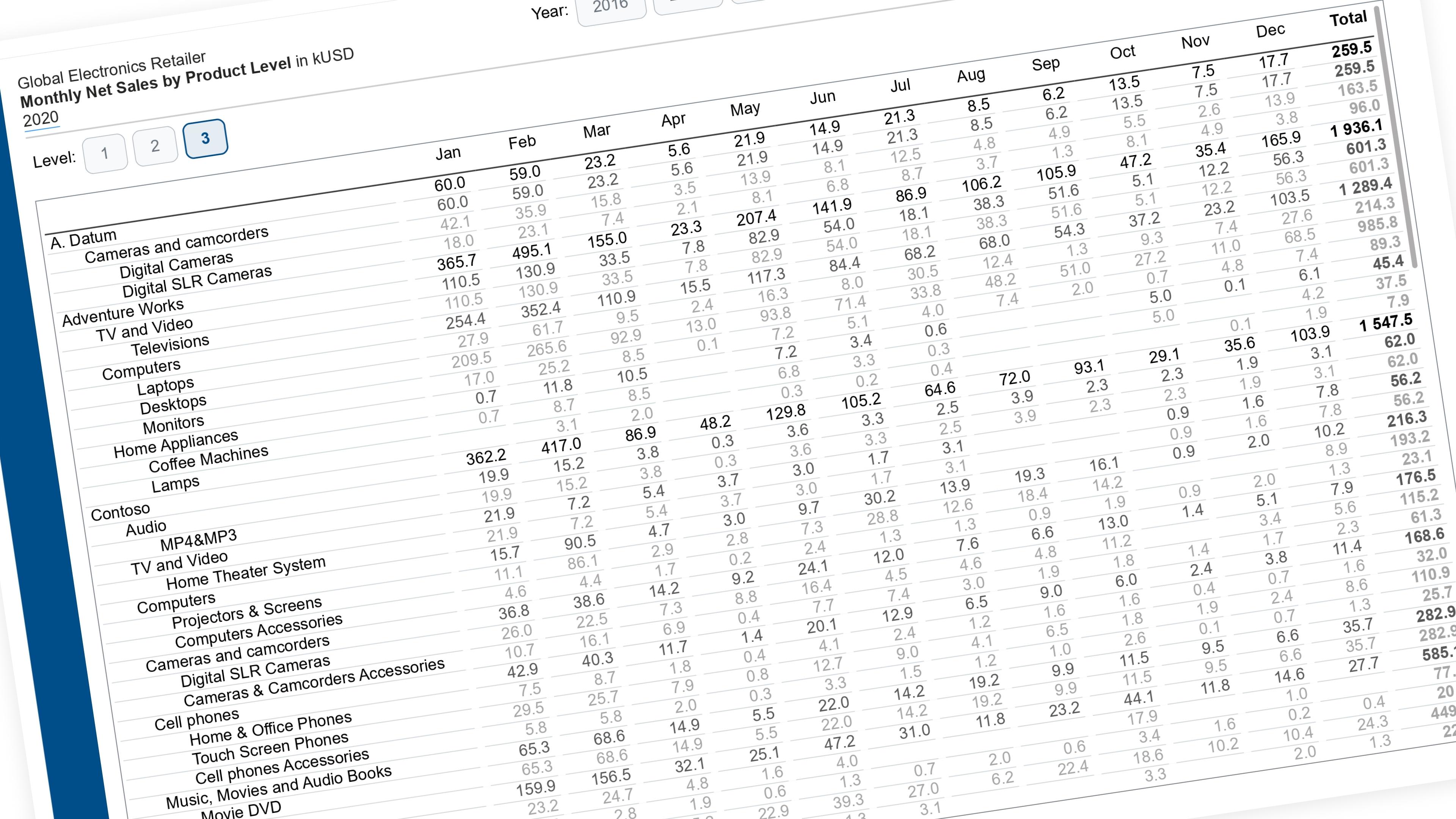
What’s different from “One Slicer, All Levels”: that guide gives every reader one depth for the whole matrix — everyone sees “Category” or everyone sees “Full detail.” This guide lets each branch be opened independently: Brand A can be expanded to its full detail while Brand B and C stay collapsed, all at the same time, for the same reader.
What you’re building
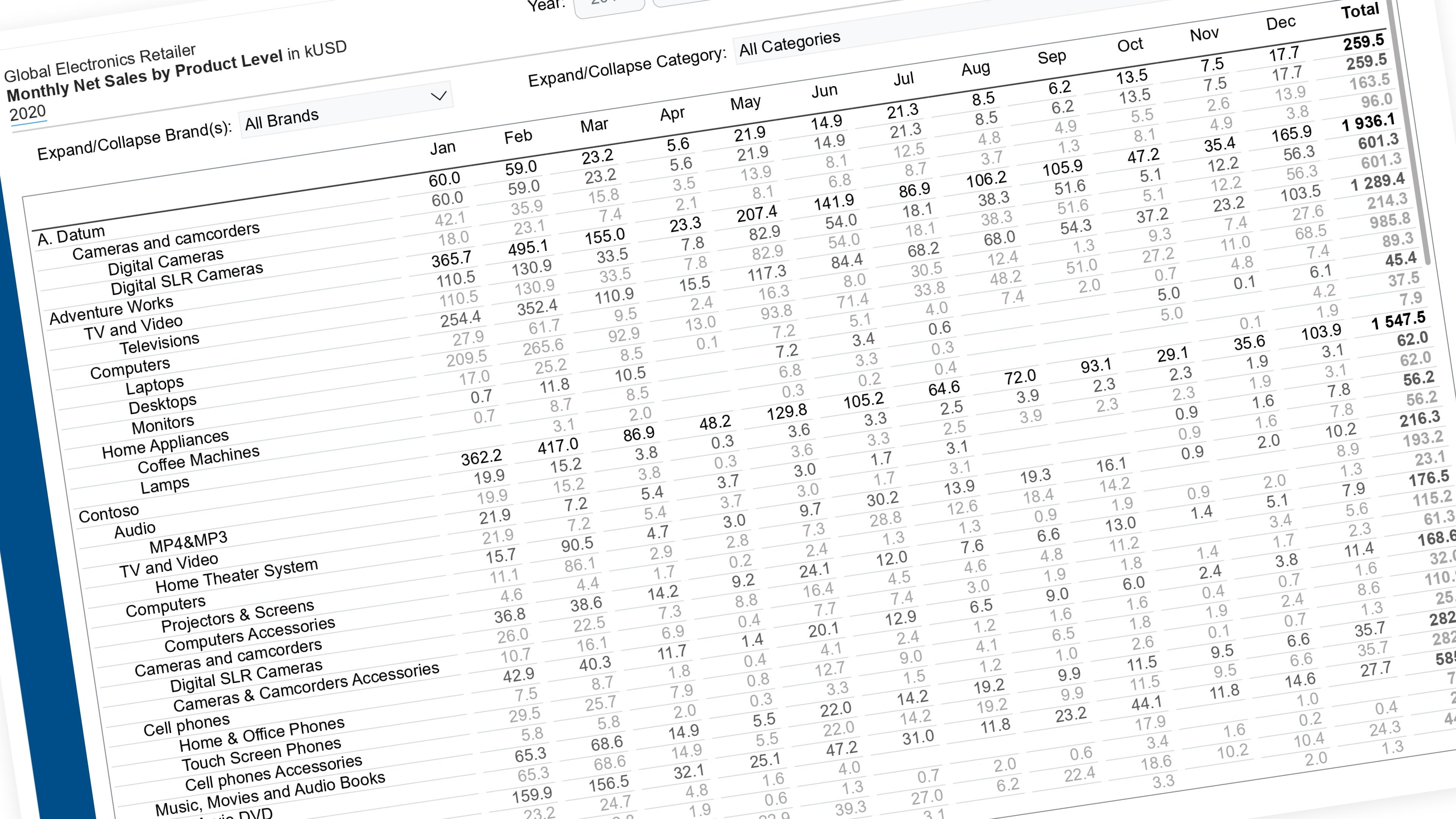
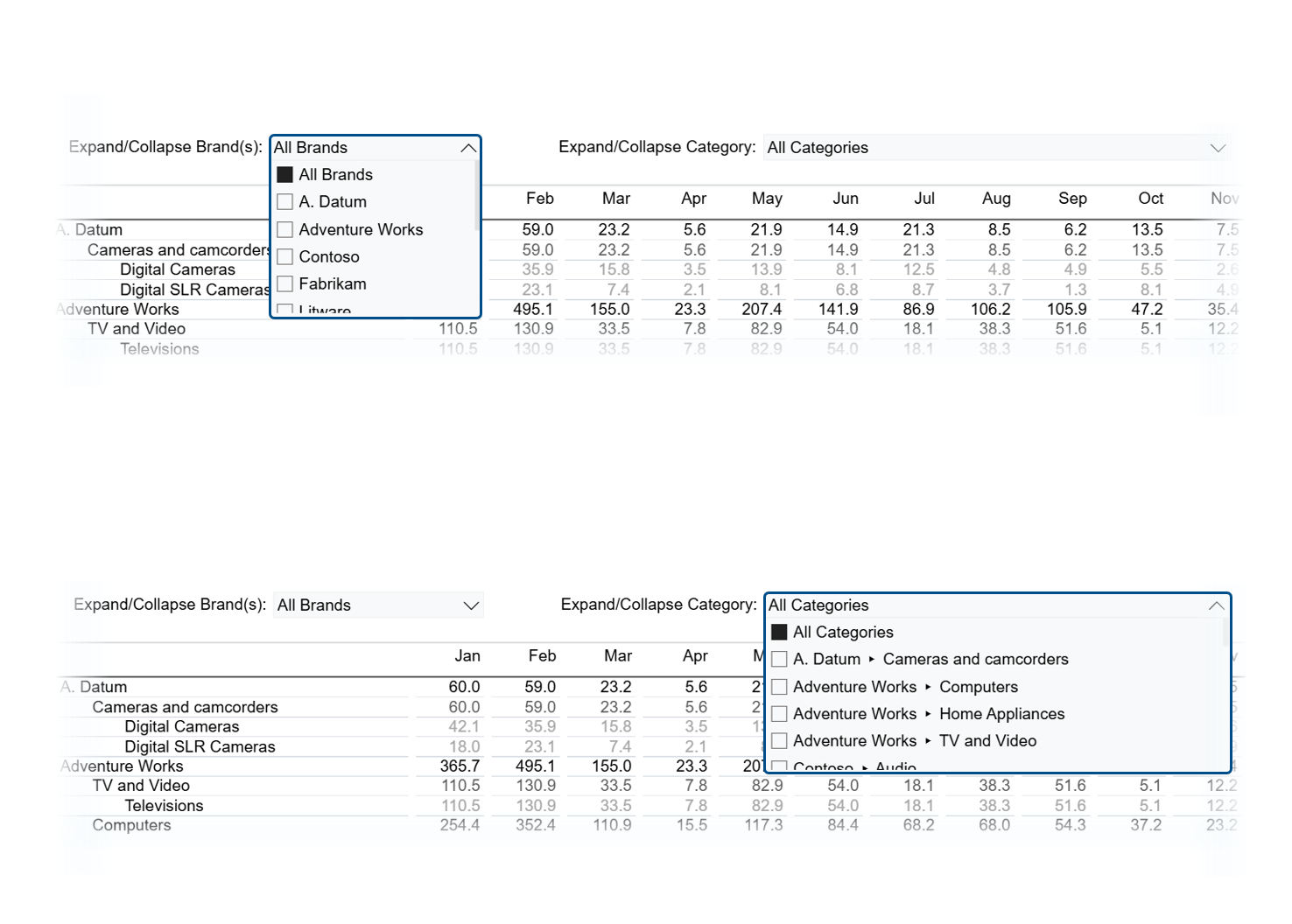 Figure 1.1: Building two small slicers that expand one branch at a time
Instead of one slicer that sets a depth for everyone, you get two small slicers that expand one branch at a time:
- Tick a Level 1 value (e.g. a brand) → its Level 2 children appear underneath it
- Tick a Level 1 ▸ Level 2 node (e.g. that brand’s specific category) → its Level 3 children appear
- Everything else stays collapsed, untouched
Each slicer also gets an “All Level 1s” / “All Level 2s” option at the top, so a reader can expand everything in one click without giving up per-branch control the rest of the time.
The rest of this walkthrough is for members
You have read the problem. What is behind the paywall is the fix:
- The full step-by-step build, from measures to formatting
- Every DAX measure with the reasoning behind it
- The .pbix with the model already wired up
Already a member? Sign in with your email